Getting Started
Everything you need to go from first login to operational readiness in GCXONE
Select Your Role
Follow a role-based pathway tailored to your responsibilities
Your Path to Operational Readiness
Five stages from first login to going live — click any stage to explore
Key Actions
Log in to the platform
5 minAccess your account using the credentials provided by your administrator.
Go to guideVerify your account
3 minConfirm your email address and set up multi-factor authentication for added security.
Go to guideReview the quick start checklist
3 minFamiliarize yourself with the full setup process so you know what is coming next.
Go to guideEssential Reading
What is GCXONE
Discover what the platform can do for your security operations and how it connects cameras, alarms, and monitoring into one system.
First-Time Login & Access
Step-by-step guide to logging in for the first time, setting up your password, and configuring multi-factor authentication.
Quick Start Checklist
A comprehensive checklist of everything you need to complete during initial setup. Print it out or keep it open while you configure.
Related Videos
Video Library
Watch step-by-step video guides for every stage of onboarding
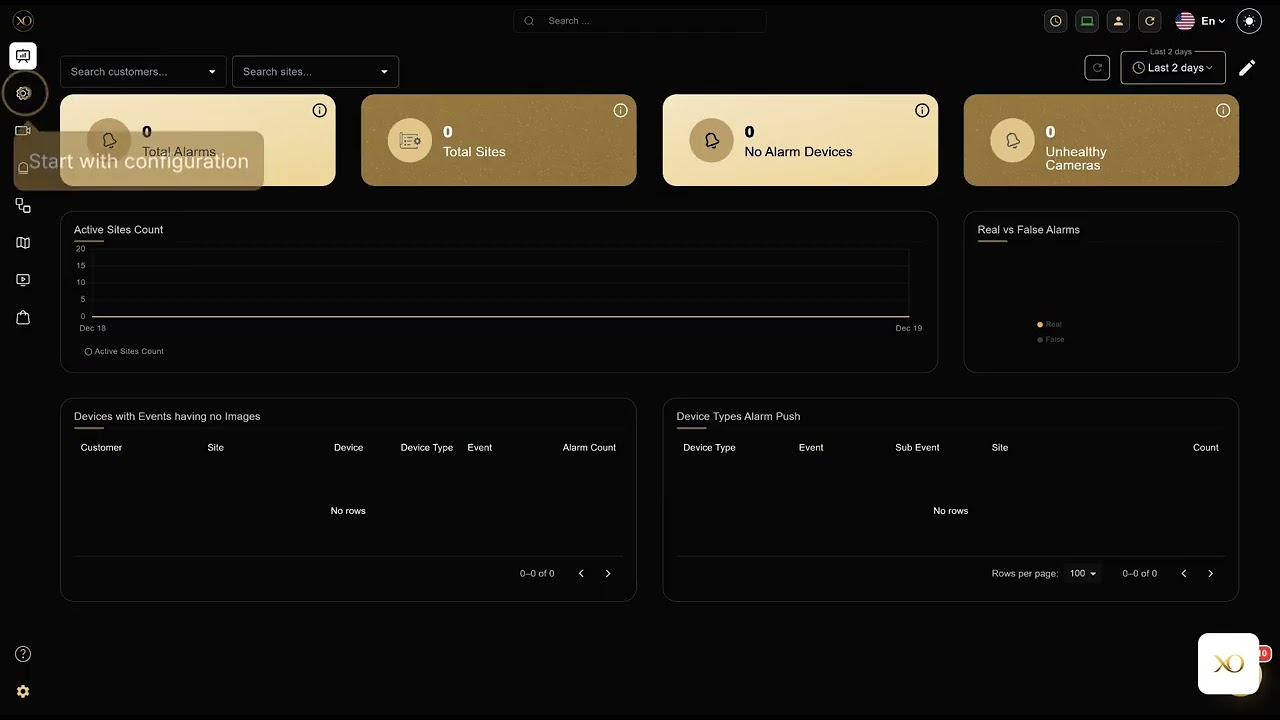
First-Time Login Setup
Walk through your first login, password configuration, and MFA setup step by step.
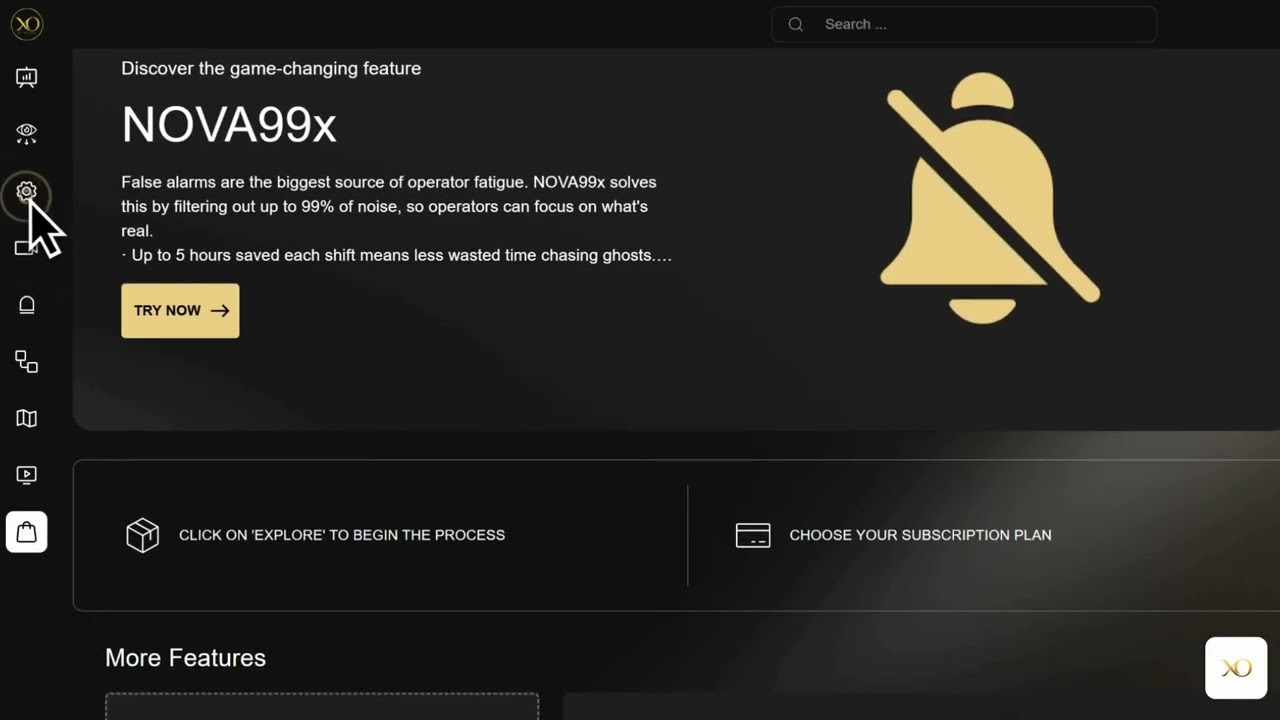
Platform Overview
A complete introduction to the platform — navigation, key features, and how everything connects.
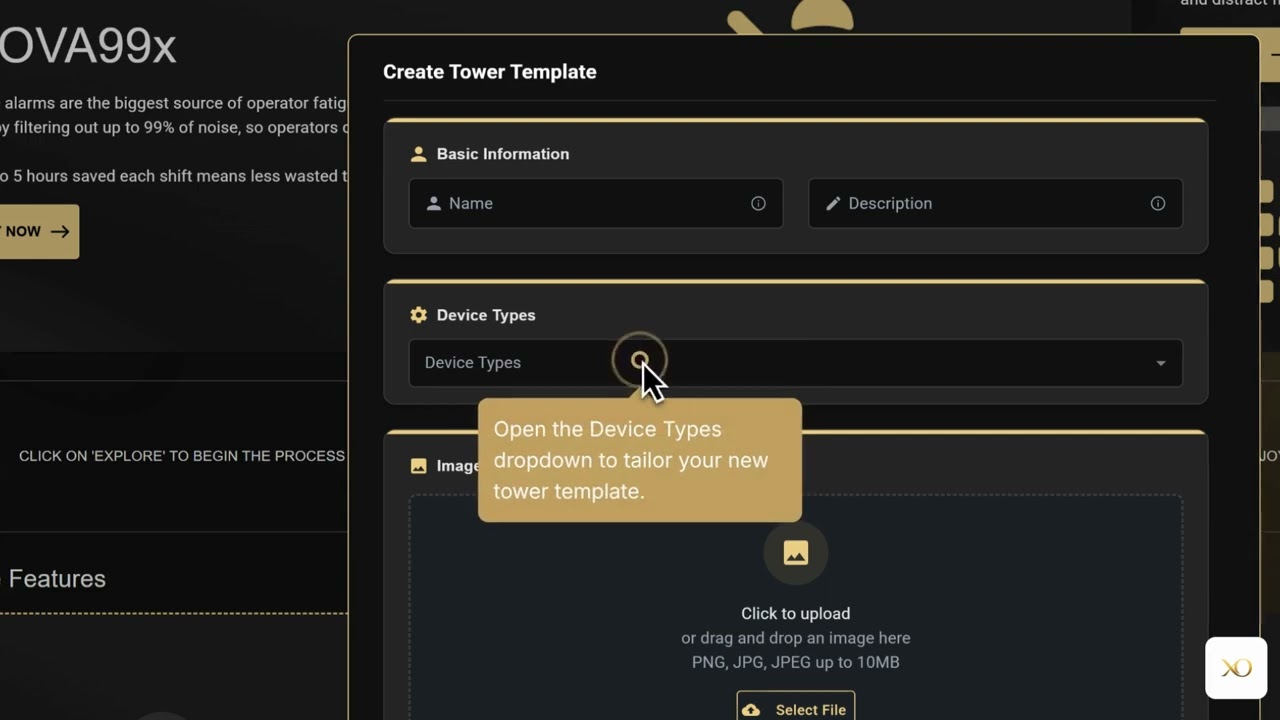
Platform Walkthrough
An in-depth walkthrough of how GCXONE integrates with Talos devices, from camera onboarding to alarm processing.
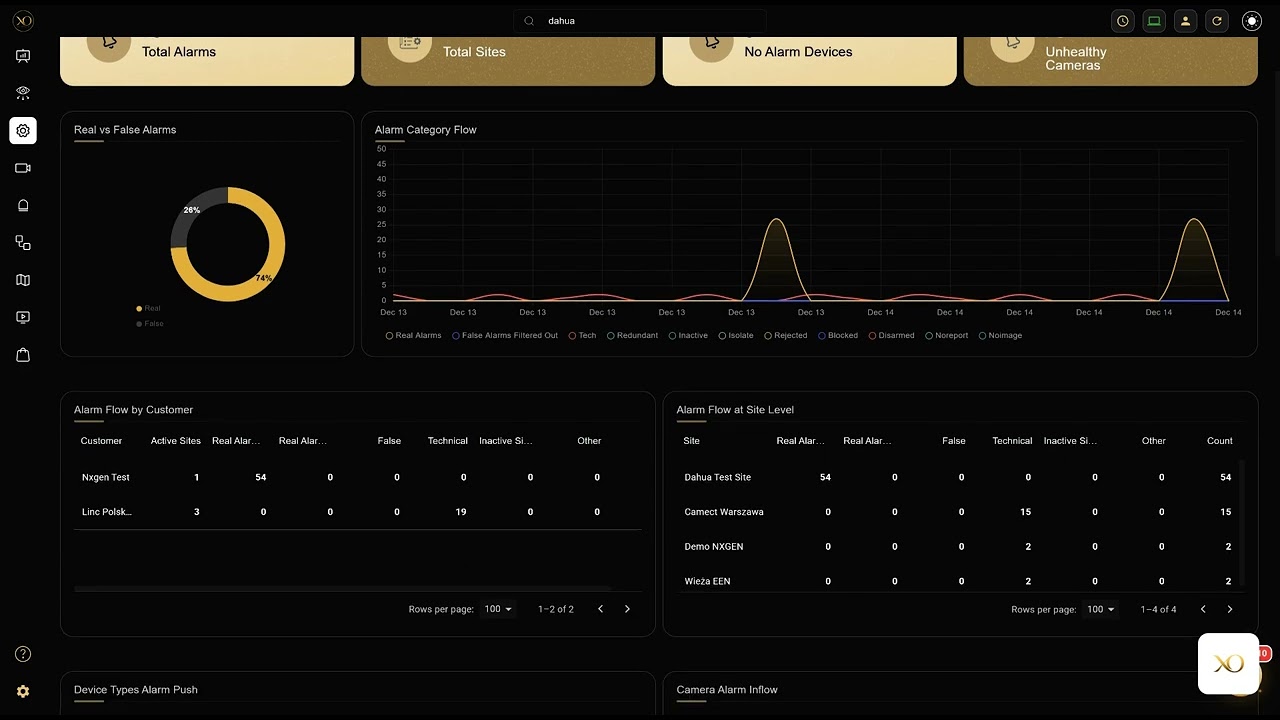
Dashboard Deep Dive
Master the dashboard — widgets, customization, live monitoring, and real-time alarm visualization.
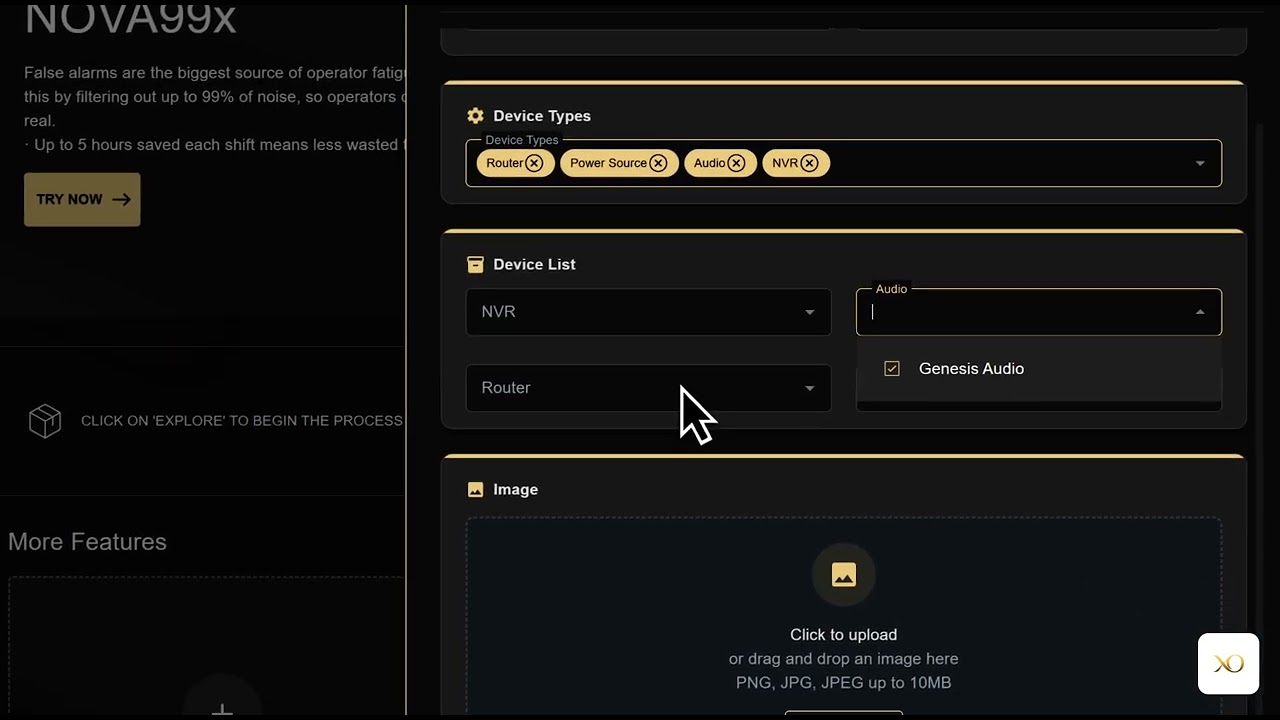
Tower Management
Learn how to manage Talos tower units, configure network settings, and monitor device health.
Essential Documentation
The key articles every new user should read
Getting Started
Quick Start Guide
The fastest path from zero to operational. Covers every essential step in a single guided flow.
ReadWhat is GCXONE
Discover what the platform can do for your security operations — from video monitoring to alarm management.
ReadFirst-Time Login & Access
Step-by-step guide to logging in for the first time, password setup, and MFA configuration.
ReadPre-Deployment Requirements
Complete list of network, hardware, and configuration requirements before deploying.
ReadSetup
System Requirements
Ensure your system meets these requirements for the best experience
Browser
Chrome 90+, Firefox 88+, or Edge 90+ required. Chrome 120+ recommended for best experience.
Internet
5 Mbps minimum download speed. 25+ Mbps recommended for HD video streaming.
Screen
1366×768 minimum resolution. 1920×1080 or higher recommended for monitoring.
Memory
4 GB RAM minimum. 8+ GB recommended for video playback and multi-camera monitoring.
Need more help?
Explore our full documentation, watch video tutorials, or contact support