Axxon
Axxon Config Guide with GCX-ONE
This guide describes the steps required to configure an Axxon device in GCXONE.
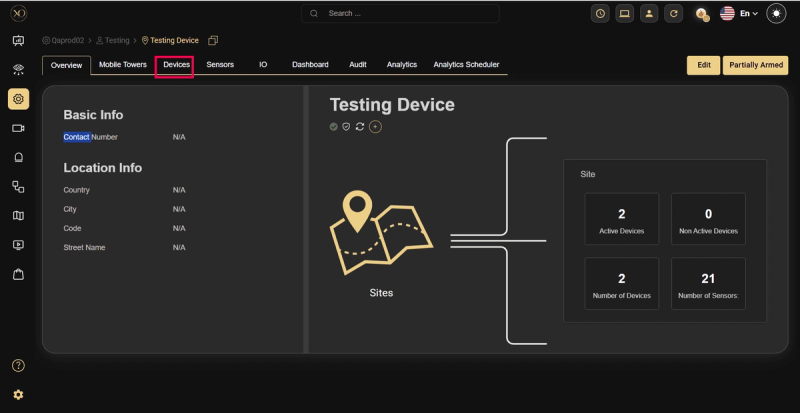
Step 1: Navigate to the Devices tab.
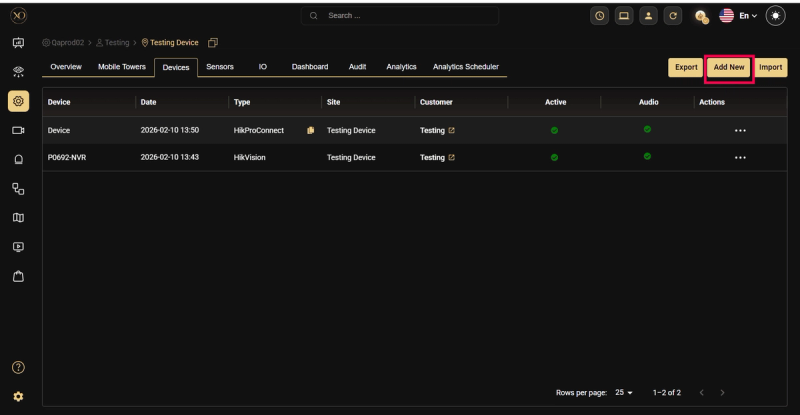
Step 2: Click the Add button.
Step 3: The Add Device dialog will be displayed.
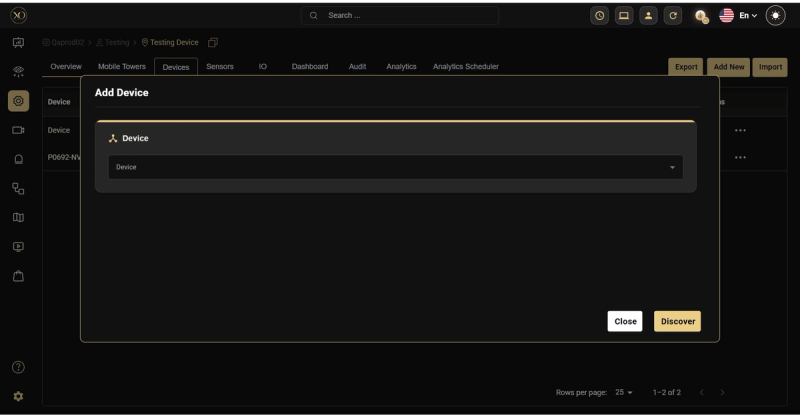
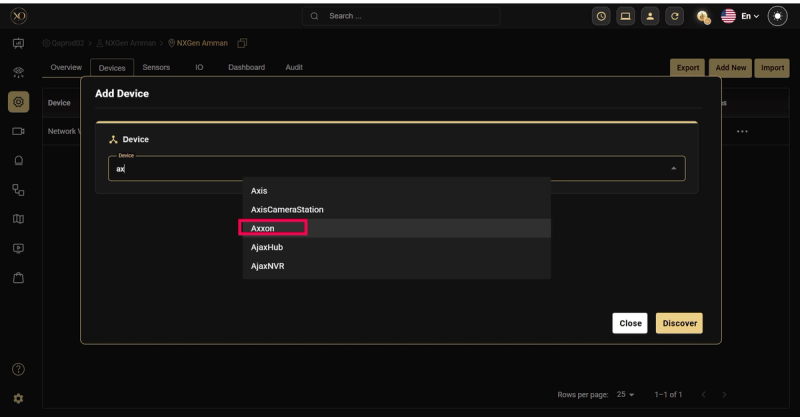
Step 4: In the dialog, open the Device dropdown and select Axxon.
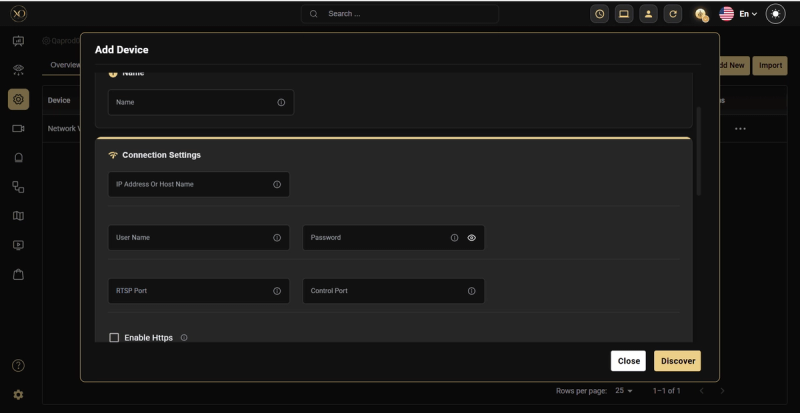
Step 15: Enter all required fields: Name, IP Address or Host, Username, Password, RTSP Port.
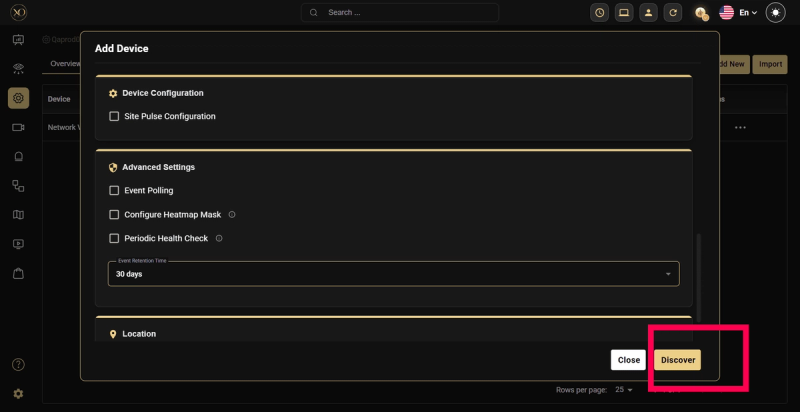
Step 5: Click Discover.
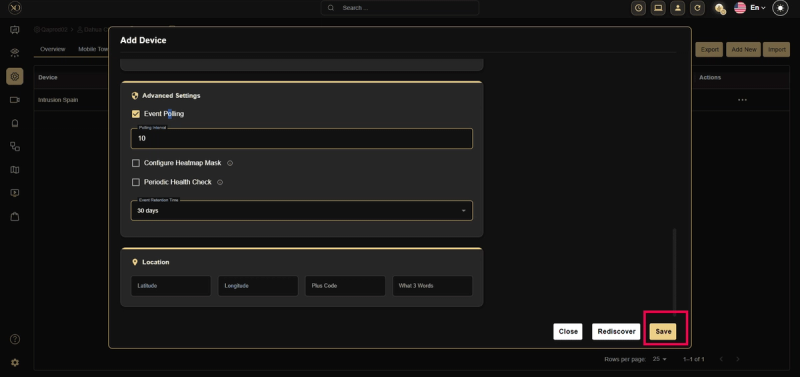
Step 6: Once the device is successfully discovered, click Save.